Imginn is an independent Instagram profile viewer designed to help you explore public profiles and download available photos and videos without logging into Instagram. Enter an exact username or profile link to request profile details, posts, reels and saved Story Highlights from one page.
You do not need to provide your Instagram password or install a browser extension. The site owner manages the API connection that powers searches. Visitors can search public profiles, posts, reels, saved Story Highlights, and available active 24-hour Stories. Private accounts are not supported, and story availability may vary. .
PUBLIC PROFILE EXPLORERFind a profile. Explore their world.
Browse public Instagram profiles, posts, reels, active stories and saved highlights.
Use a username or Instagram profile link · Public accounts only
Stories (24h) shows available active stories; Story Highlights shows saved content. Availability varies by account. Download only content you own or have permission to use.
Find a profile. Explore their world.
Browse public Instagram profiles, posts, reels, active stories and saved highlights.
Use a username or Instagram profile link · Public accounts only
Stories (24h) shows available active stories; Story Highlights shows saved content. Availability varies by account. Download only content you own or have permission to use.
What Is Imginn and How Does It Work?
Imginn brings available public Instagram information into a searchable interface. You enter a username, the tool requests data through its connected service, and the returned profile and media appear on the page.
A successful search can display the account’s name, username, biography, profile picture and available follower, following and post counts. Separate sections organize posts, reels and saved Highlights, making it easier to choose what you want to view.
This is a browsing and downloading tool.
It does not follow accounts, publish posts, send messages or manage your Instagram account. Imginn is independent and is not affiliated with Instagram or the original Imginn website.
Imginn Hub Features at a Glance
| Feature | What it offers | What to know |
|---|---|---|
| Browsing without Instagram login | Search without entering your Instagram credentials | The site owner must configure the required API connections |
| Username search | Look up an exact account username | Full-name discovery is not included |
| Profile-link search | Paste an HTTPS Instagram profile URL | Individual post links are not supported as search inputs |
| Profile details | View the biography, profile picture and available account counts | Some fields may be unavailable |
| Photos and carousels | Explore returned posts and individual carousel items | Availability depends on the data returned |
| Reels | View available videos in a separate section | Some previews may fail or expire |
| Active Stories (24 hours) | View available public Stories that have not expired | Requires a separate HikerAPI key and credits; availability may vary |
| Story Highlights | Open available saved Story collections | Private accounts and Close Friends content are not supported |
| Photo and video downloads | Download supported media individually | Maximum file size is 25 MB |
| Load more | Request additional posts or reels | Available when the service returns another page |
How to Use Imginn Without Login
1. Enter the Instagram Username
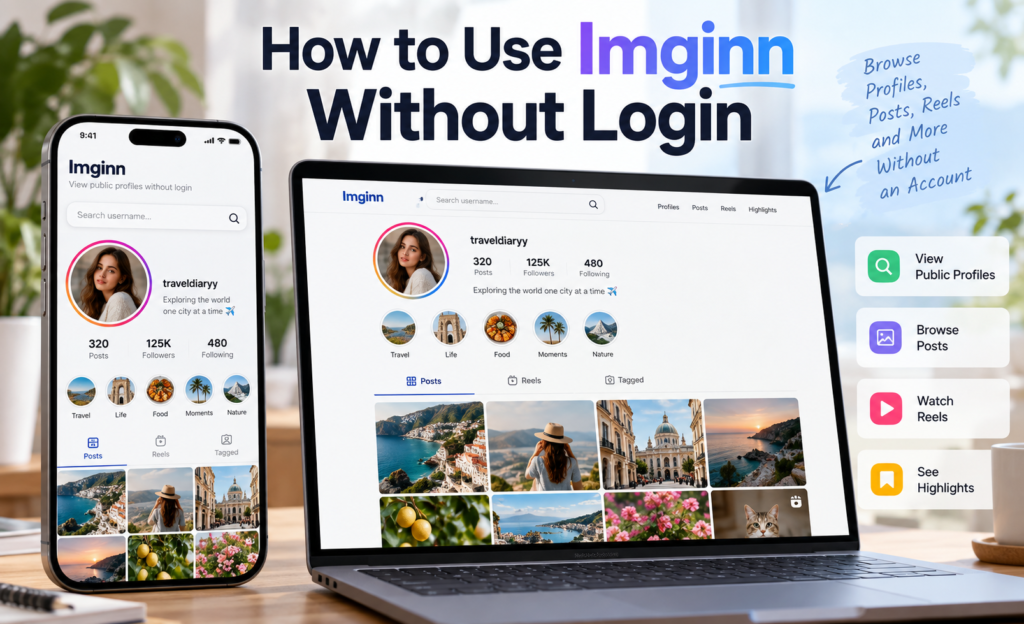
Open the search page and type the account’s exact username. You can include or leave out the @ symbol. You may also paste a full profile link, such as https://www.instagram.com/username/.
Replace “username” with the actual account name. Check dots, underscores and numbers carefully. A person’s real name may differ from their Instagram username, so a full name alone may not find the account.
2. Click Search Profile
Select Search profile and wait for the loading message to finish. You do not need to sign into Instagram before submitting the search.
When the result appears, check the username, profile picture and biography to confirm it is the account you intended to find. A similar display name does not necessarily identify the same person.
3. Explore Posts, Reels and Highlights
Use the buttons below the profile to choose a section:
- Posts: Browse returned photos, videos and supported carousel items.
- Reels: Open the available reel videos.
- Story Highlights: Choose a saved collection to explore its returned media.
If a section is empty, no content was returned for that request. This does not necessarily mean the account has never published that type of content.
4. Load Additional Results
Select Load more when the button appears to request another page of posts or reels. The tool does not load an account’s entire history in one request.
Where available, Open original post takes you to the corresponding Instagram post. That opens Instagram separately, where its own access requirements apply.
How to Download Instagram Photos and Videos
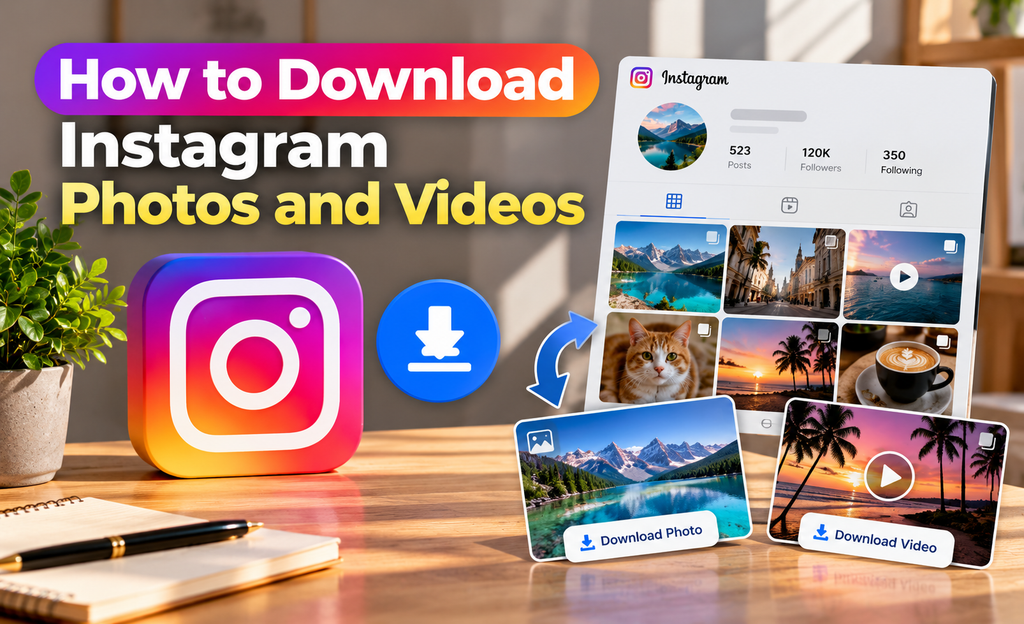
After finding the media you want, select Download photo or Download video beneath it. Supported carousel items have individual links, allowing you to choose specific images or videos.
Downloads do not require you to enter an Instagram password into Imginn. However, the media must be available through the connected service and meet the tool’s download requirements.
Keep these limits in mind:
- Each file must be 25 MB or smaller.
- Downloads are provided individually, not as a bulk ZIP archive.
- Download links expire after approximately ten minutes.
- Expired links may require a fresh profile search.
A failed download does not always mean the post was removed. The link may have expired, the file may exceed the size limit, or the media host may be unavailable. Download only content you own or have permission to use.
Does Imginn Show Stories or Private Profiles?
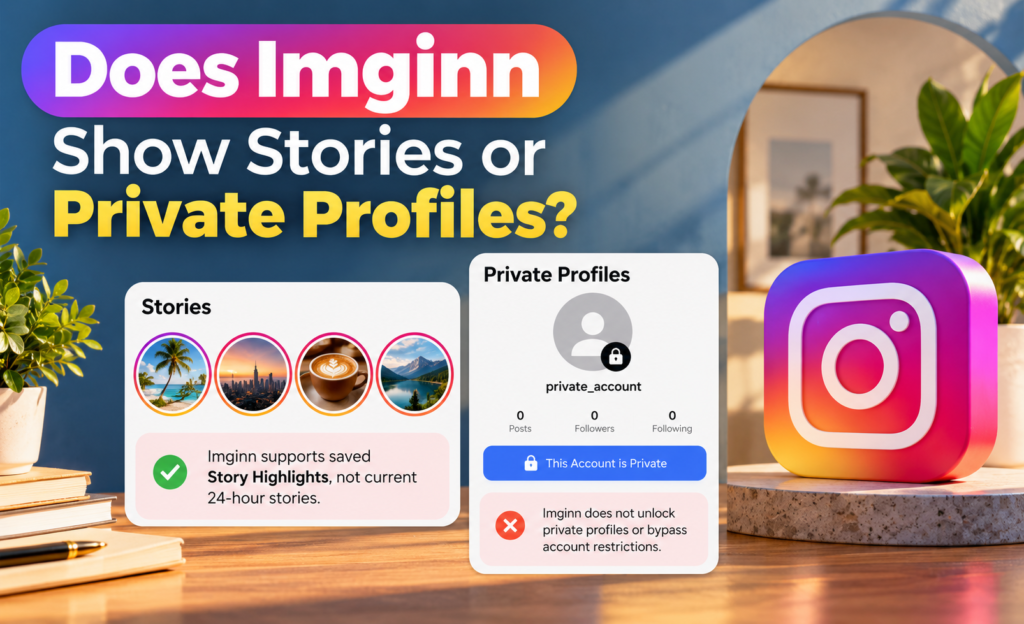
The viewer supports available public Story Highlights and active 24-hour Stories. Highlights are saved collections; active Stories are temporary and may not always be available.
Private profiles are not supported. The tool does not unlock private posts or bypass account restrictions. If an account is private, its content cannot be browsed through this viewer.
Browsing without an Instagram login does not guarantee complete anonymity. The website and services delivering the content may receive ordinary connection information, such as an IP address.
What to Do if Imginn Is Not Working
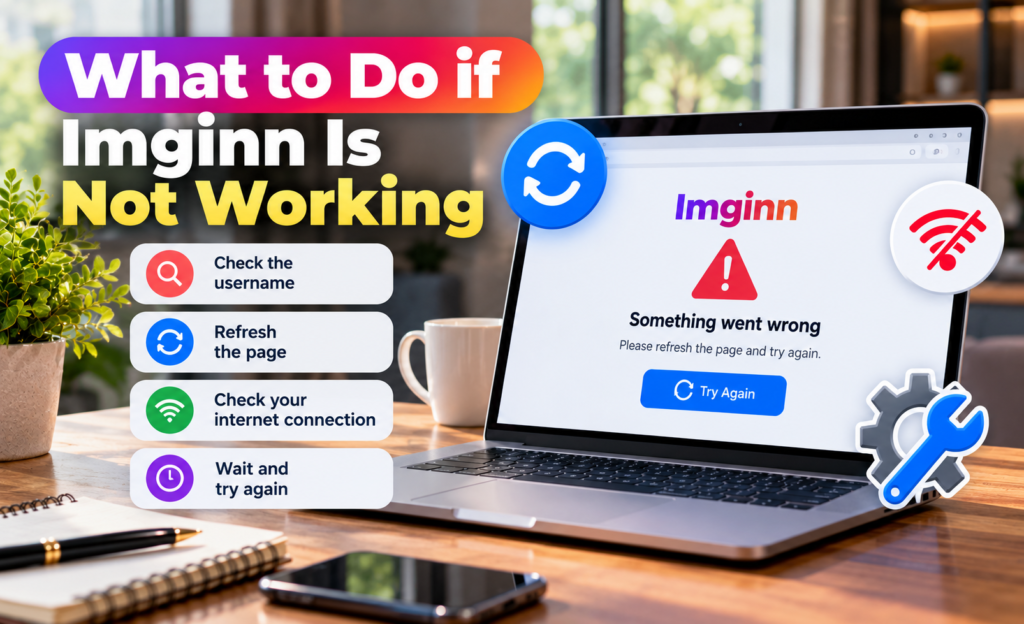
First, check the username and try again. An incorrect spelling, changed username or unavailable profile can prevent a successful result.
Note: Please enter the Instagram username without spaces (e.g., username, not user name). Do not include the @ symbol.
If the page asks you to refresh, reload it before submitting another search. If it reports too many requests or a temporary service problem, wait before retrying. Repeated clicking will not speed up the request.
Searches also depend on the website’s active data connection and available allowance. Visitors do not need to purchase or enter an API key themselves; the website owner handles that setup.
FAQ’s
Q1. Can I use Imginn without an Instagram account?
The viewer does not require visitors to log into Instagram. Searches depend on the website’s data service being configured and available.
Q2. Does Imginn have a download option?
Yes. Available supported media has a Download photo or Download video button. The maximum individual file size is 25 MB.
Q3. Can I download every post at once?
No. This version supports individual media downloads. Downloading an entire profile as one ZIP file is not included.
Q4. Do I need to install an app?
No app or browser extension is required. Open the website in a browser with JavaScript enabled.
Conclusion
Imginn provides a straightforward way to explore available public Instagram profiles, posts, reels and saved Highlights without an Instagram login. Enter an exact username, select a content section and use the download buttons for supported files. Remember that private profiles, current bulk downloads are not supported.